Two-factor authentication
The simplest way to set up 2FA on your iPhone.
Your codes, end-to-end encrypted in your iCloud. No Google account, no third-party server, nothing new to learn.
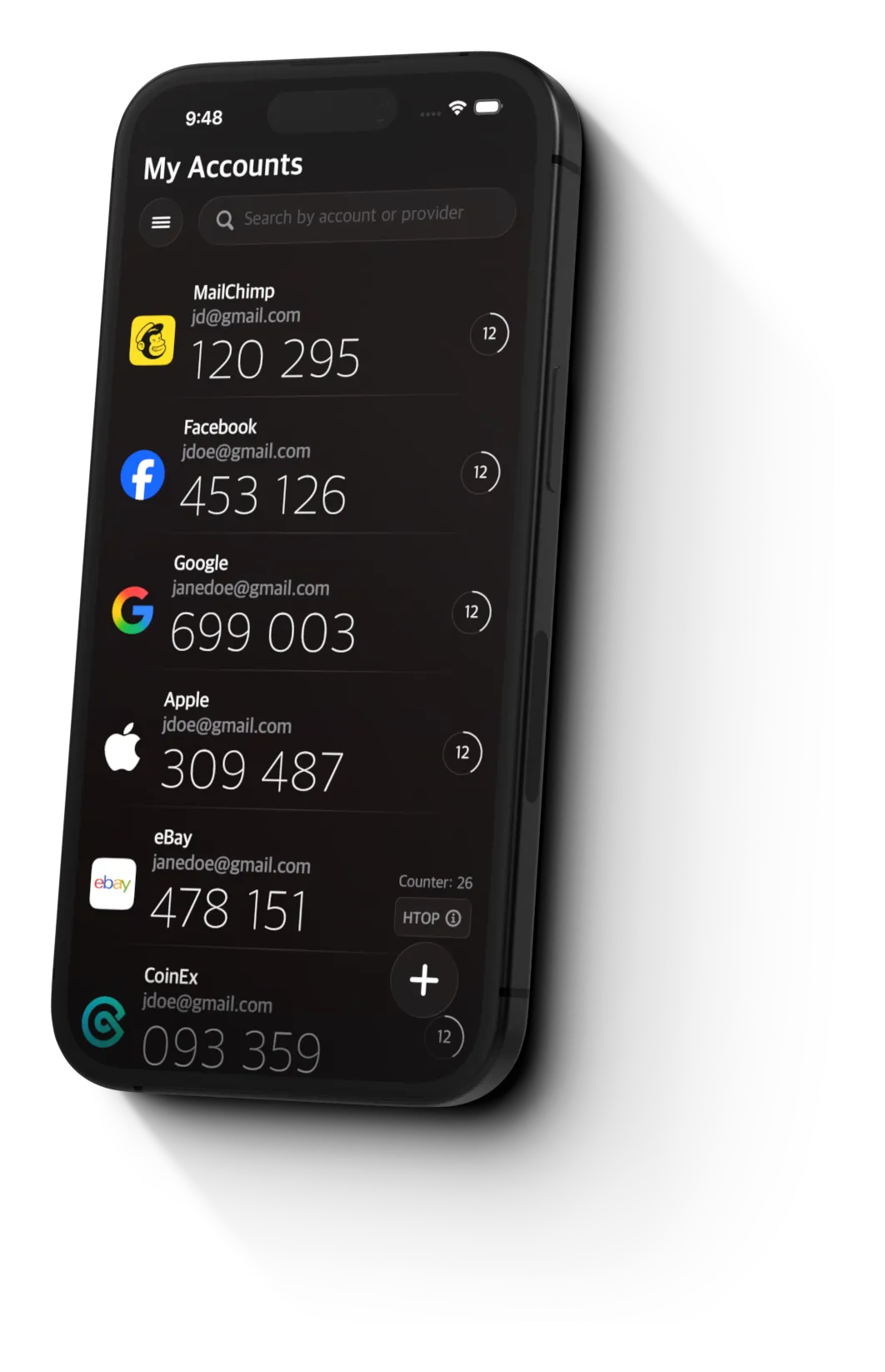
Setting up 2FA shouldn't require a Google account, a Microsoft account, or trusting a server you've never heard of.
It should just work — on your phone, with your iCloud, in about 30 seconds.
Why people switch
Built around how 2FA should work
-
Encrypted iCloud sync
Your codes are end-to-end encrypted in your own iCloud. No Google account, no third-party server, no one else has the keys.
-
Built for first-time setup
If this is your first authenticator app, this is the one. Plain language, no jargon, set up your first code in about 30 seconds.
-
Free for normal use
Up to 10 codes free, forever. That covers FAFSA, your bank, your work email, and a few more — no signup, no credit card.
How it works
Three steps. About 30 seconds.
- 1
Find the QR code
When a service asks you to set up 2FA, it shows a QR code on screen.
- 2
Scan it with 2FA Studio
Open the app, tap the camera, point it at the QR code. That's the whole setup.
- 3
You're done
A 6-digit code appears. Type it back into the website. Next time you sign in, do the same.
What it looks like
Designed for the task in front of you.
-
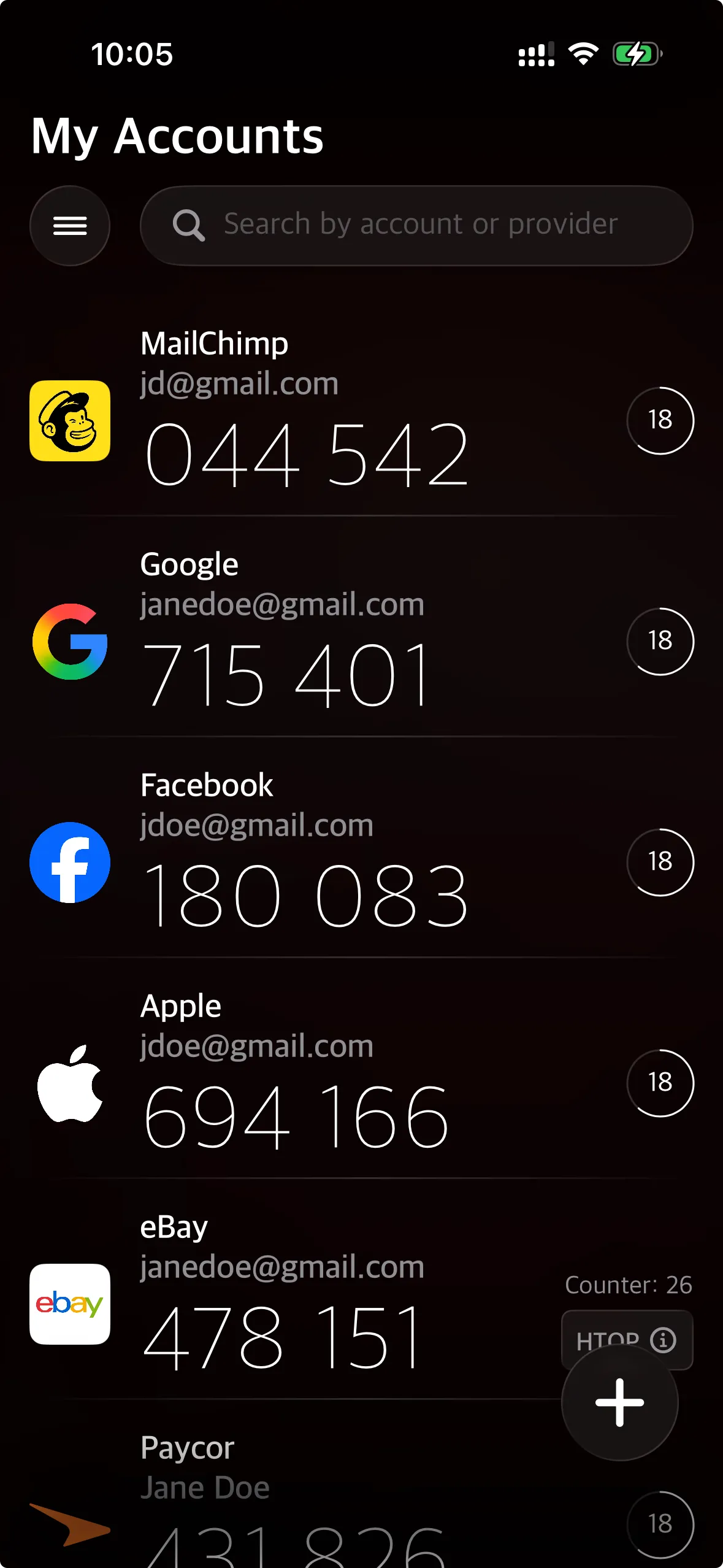
Your codes, encrypted on your device and synced to your iCloud.
-
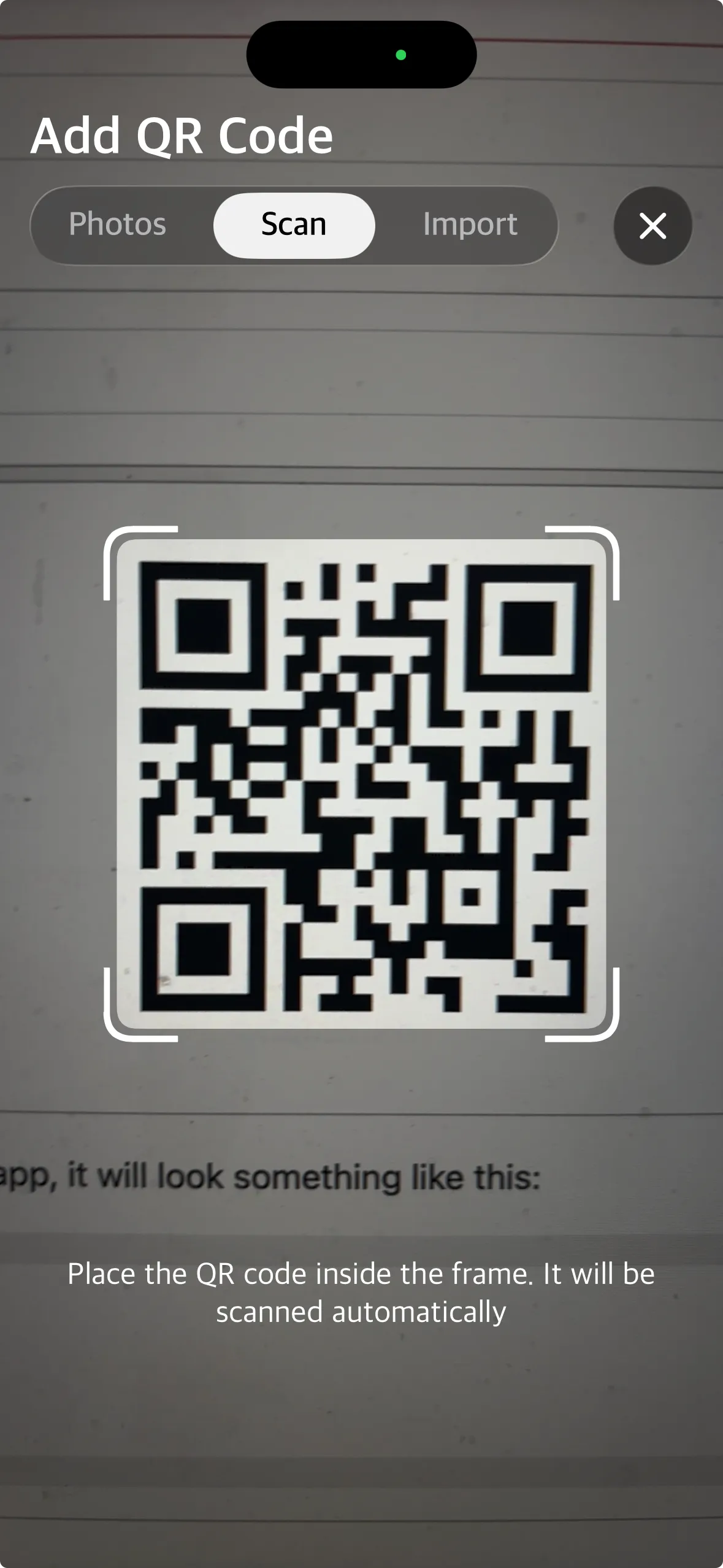
Scan a setup QR code and you're done in seconds.
Step-by-step guides
Setting up 2FA for FAFSA, the IRS, your bank?
We're building plain-English setup guides for the services that send you here — written for people who've never used an authenticator before.
Browse all guides




Service logos are property of their respective owners. 2FA Studio is not affiliated with these services.
Free for normal use. Premium when you need iCloud sync.
Most people use 10 codes or fewer — that's the free tier, no signup. If you want your codes synced across iPhone, iPad, and Mac, premium adds end-to-end encrypted iCloud sync.
See what's includedSet up your first code in about 30 seconds.
Free on the App Store. iPhone, iPad, and Mac.